

All descriptions in this guide reference our default OrderProtection.com-branded portal. Your own portal can be co-branded or customized. To learn more, see Branding Your Claim Portal.
Filing Window
Customers must file their claim within 45 days of the order being fulfilled. Once this window passes, the portal will not accept new claims for that order.
There may be exceptions depending on your contract with us.
Order Verification
The customer navigates to the claim-filing page or portal link you provide. They are prompted to enter their Order Number and the Email Address used at checkout.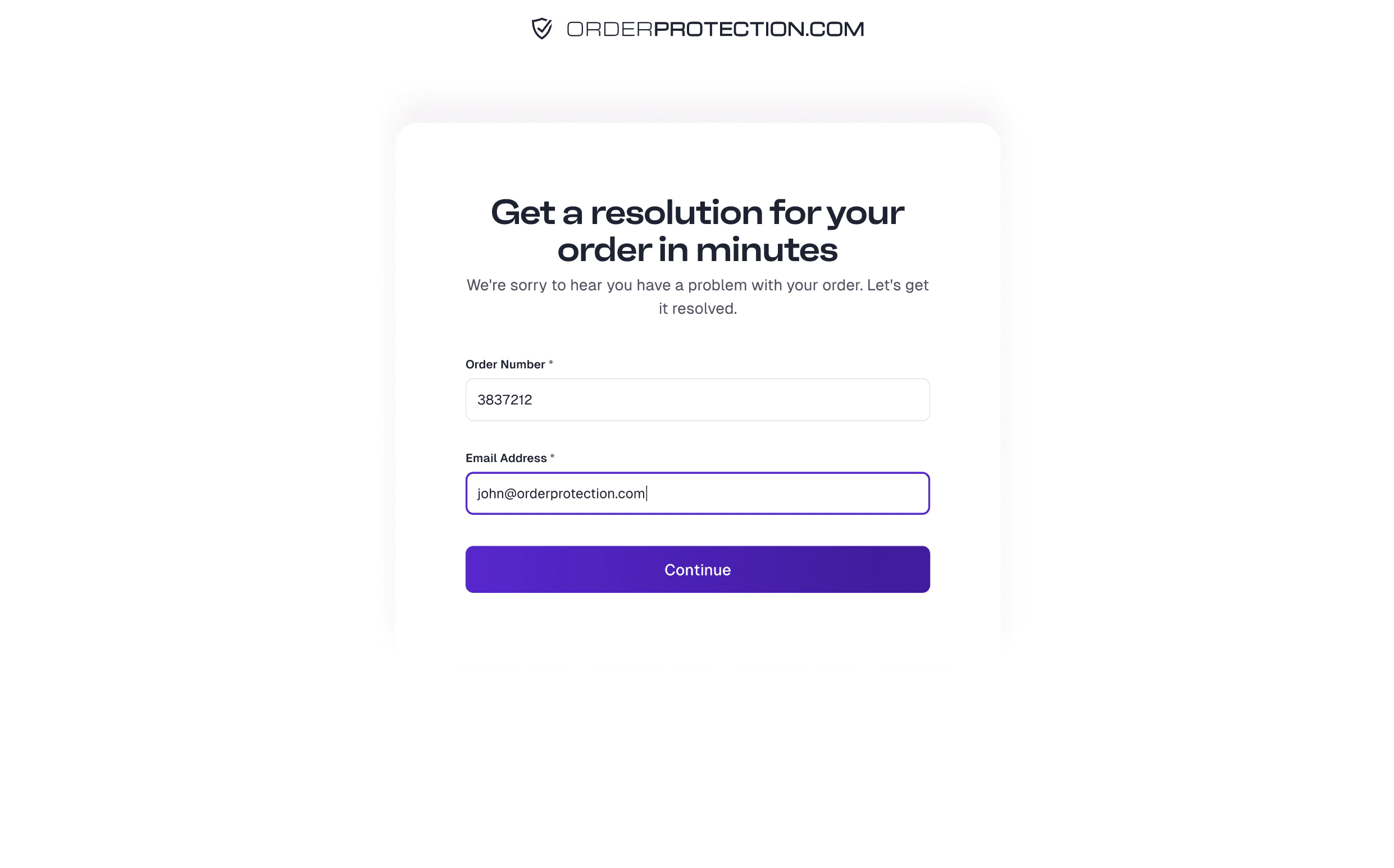
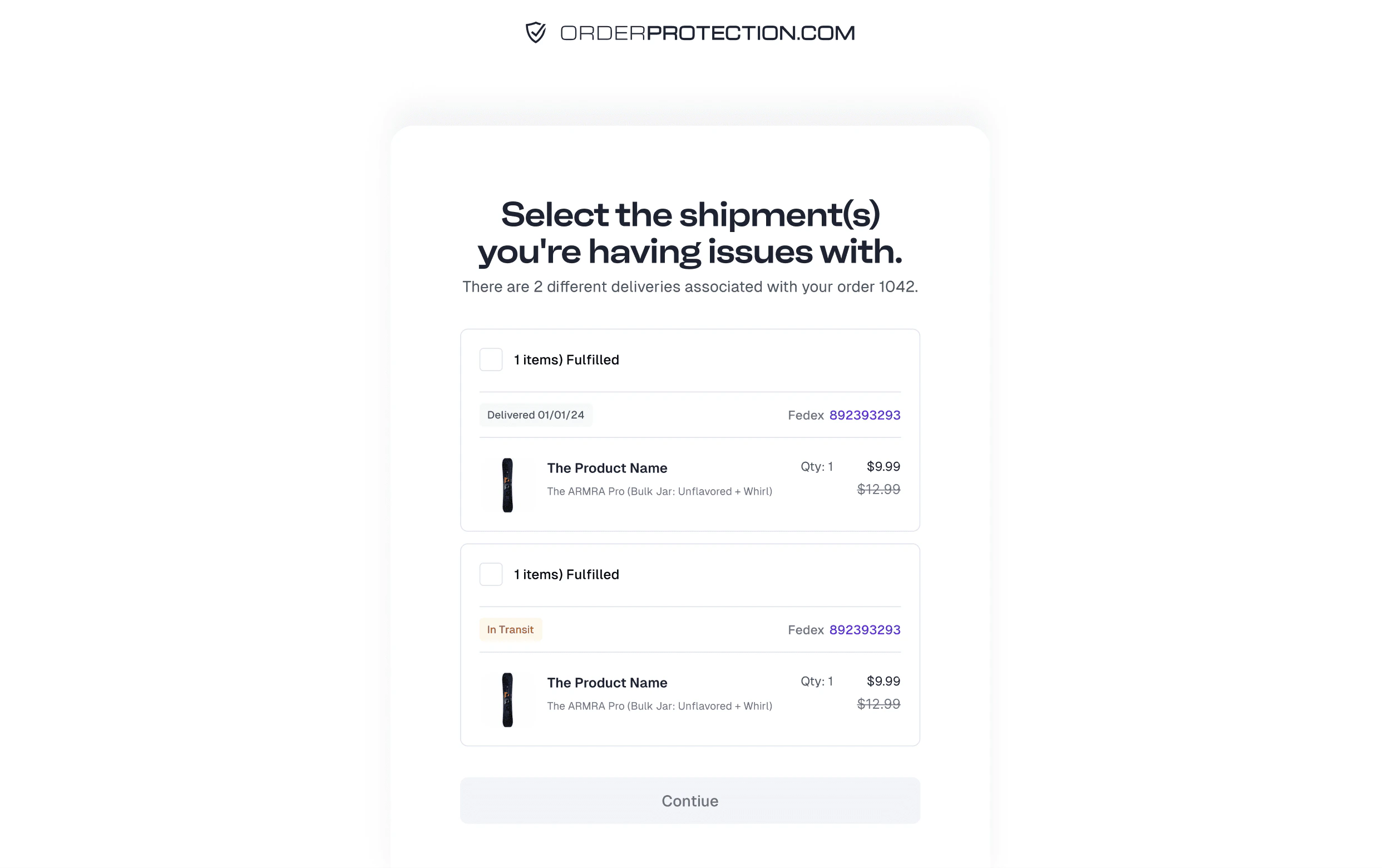
Choose the Issue Type
The customer selects whether the problem is a Shipping issue or an Item issue:
- Shipping Issues: stolen package, returned to sender, tracking not moving, order says delivered but not received, etc.
-
Item Issues: defective, damaged, wrong item, or missing item.
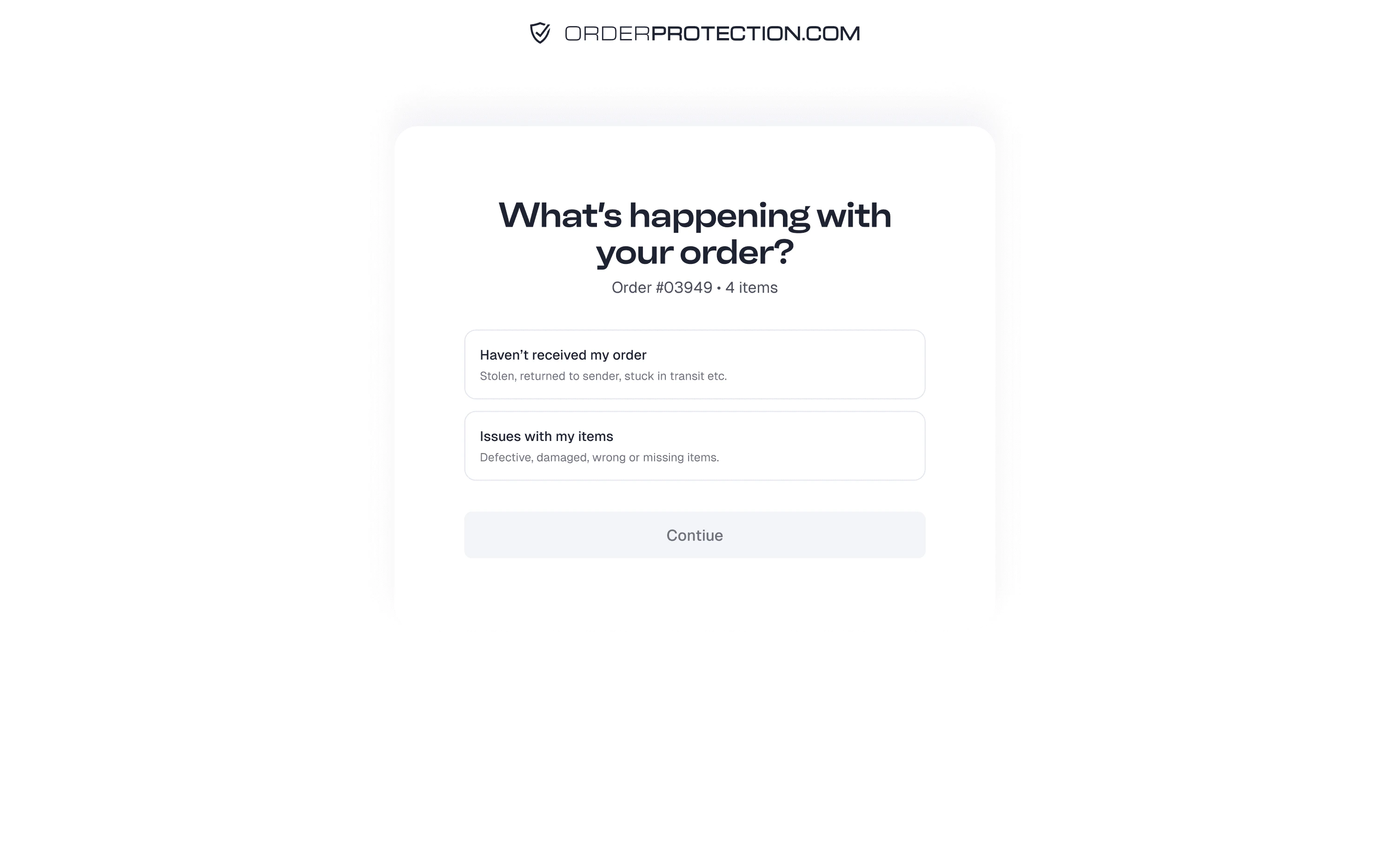
Item Issue Details
If the customer selects an Item issue:
- They are asked which item(s) are affected and how many.
-
If the issue is Damaged, Defective, or Wrong Item, the portal prompts them to upload photos showing the problem.
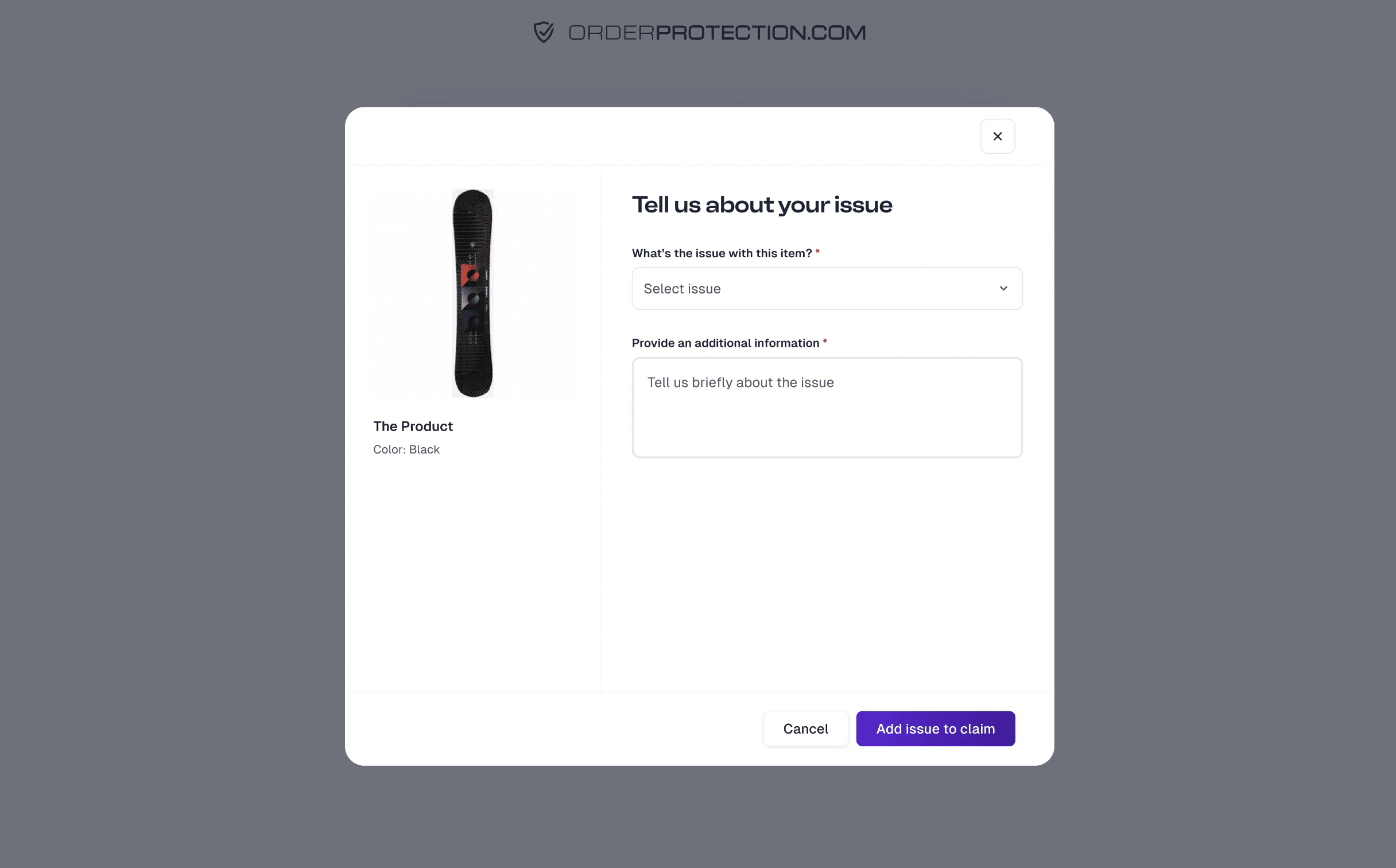
Shipping Issue Details
If the customer selects a Shipping issue (e.g., stolen, tracking not moving, or returned to sender):
- They pick the scenario that best describes the situation.
-
They provide additional comments (e.g., describing where the package was left or when they last saw movement on the tracking).
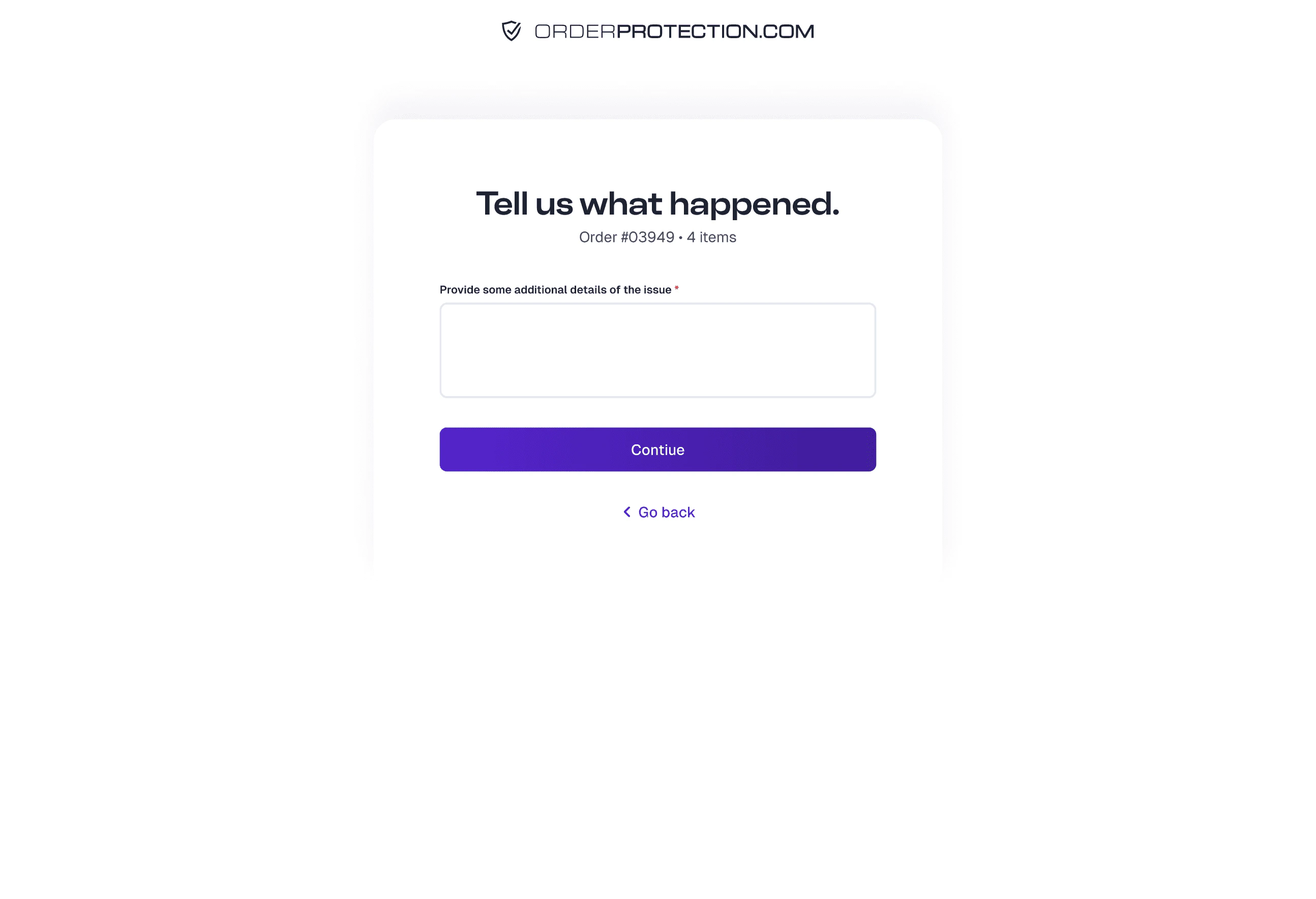
Desired Resolution
The portal asks the customer how they’d like to resolve the claim. Depending on availability and your store’s settings, options typically include:
- Store Credit — Generated as a discount code or gift card (Shopify only).
- Reshipment — Another item is shipped to replace the missing/damaged items (subject to stock availability).
- Refund — The amount for the affected items is refunded to the original payment method.
The final decision on issuing store credit, reshipments, or refunds will be determined by our team and may be dependent on stock levels or claim eligibility. If a claim is denied, none of these resolutions will be offered.
Review and Confirmation
The customer sees a Review screen summarizing the claim details. They confirm that everything is correct and complete.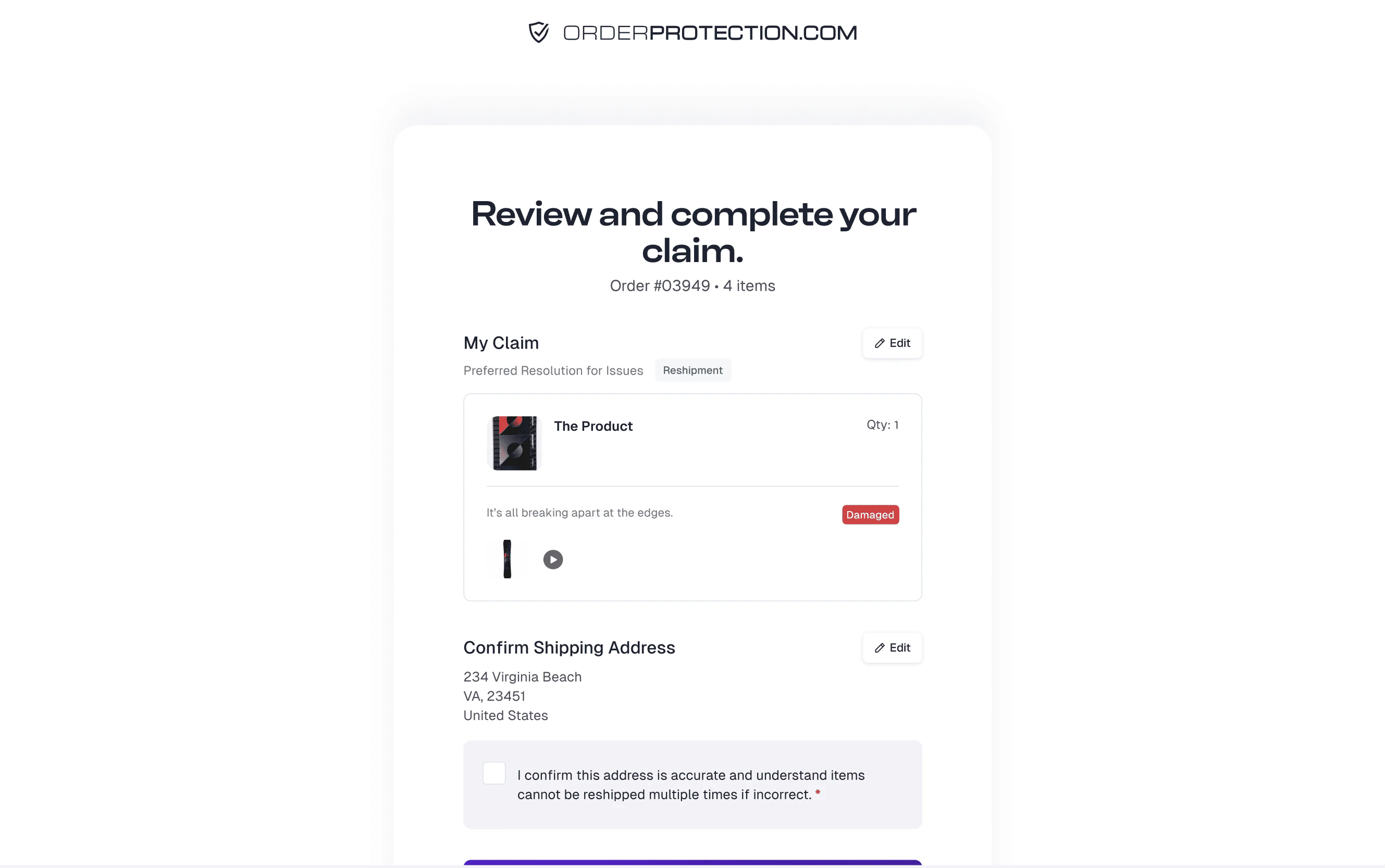
Signature Requirement
The customer is prompted to add a signature (e.g., typed or drawn), confirming they have provided accurate information.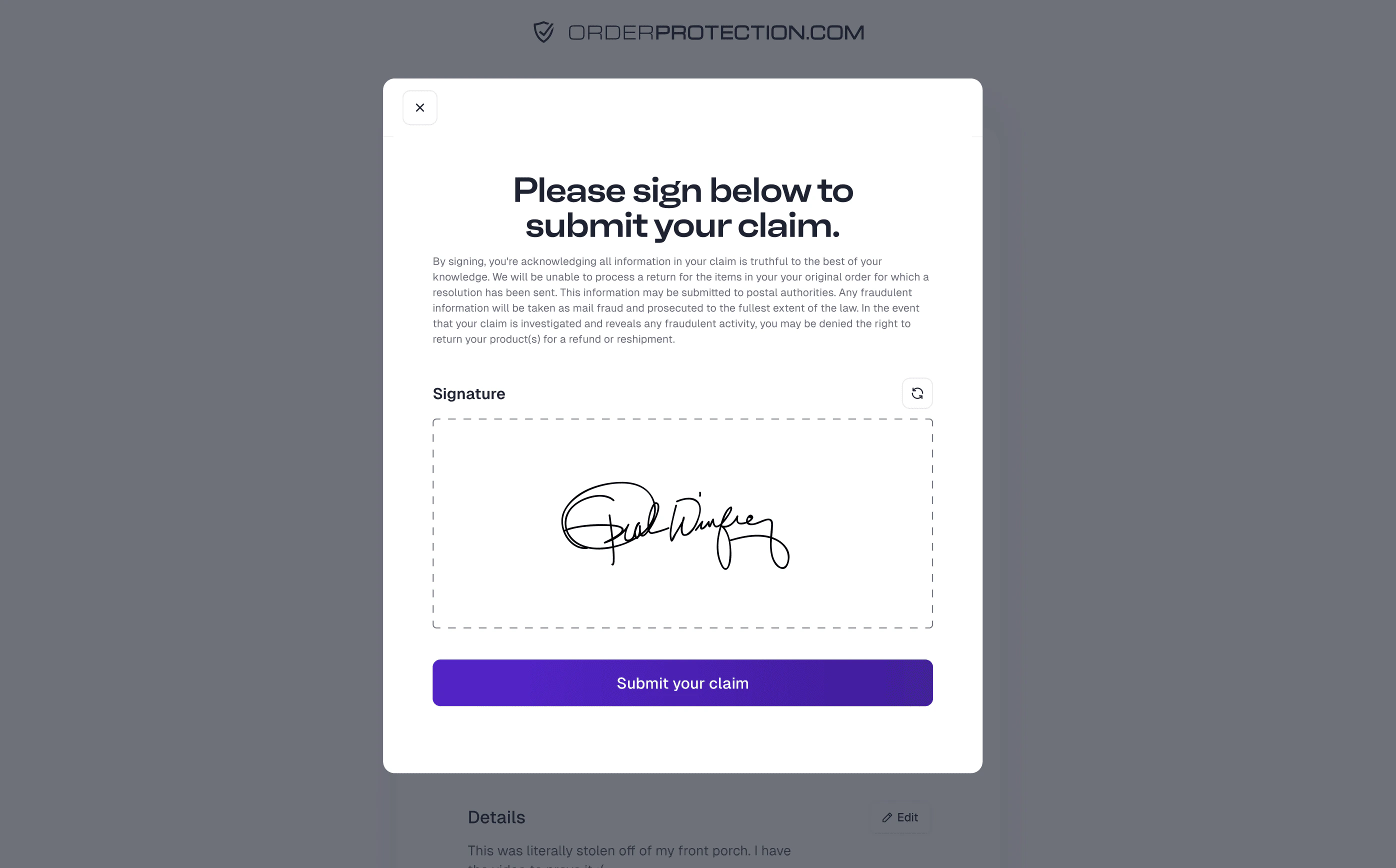
Claim Confirmation
A confirmation page appears with a message that the claim was received. A link to View My Claim is provided, allowing the customer to check claim status and communicate further if needed.
Checking Claim Status
Anytime after filing, the customer can: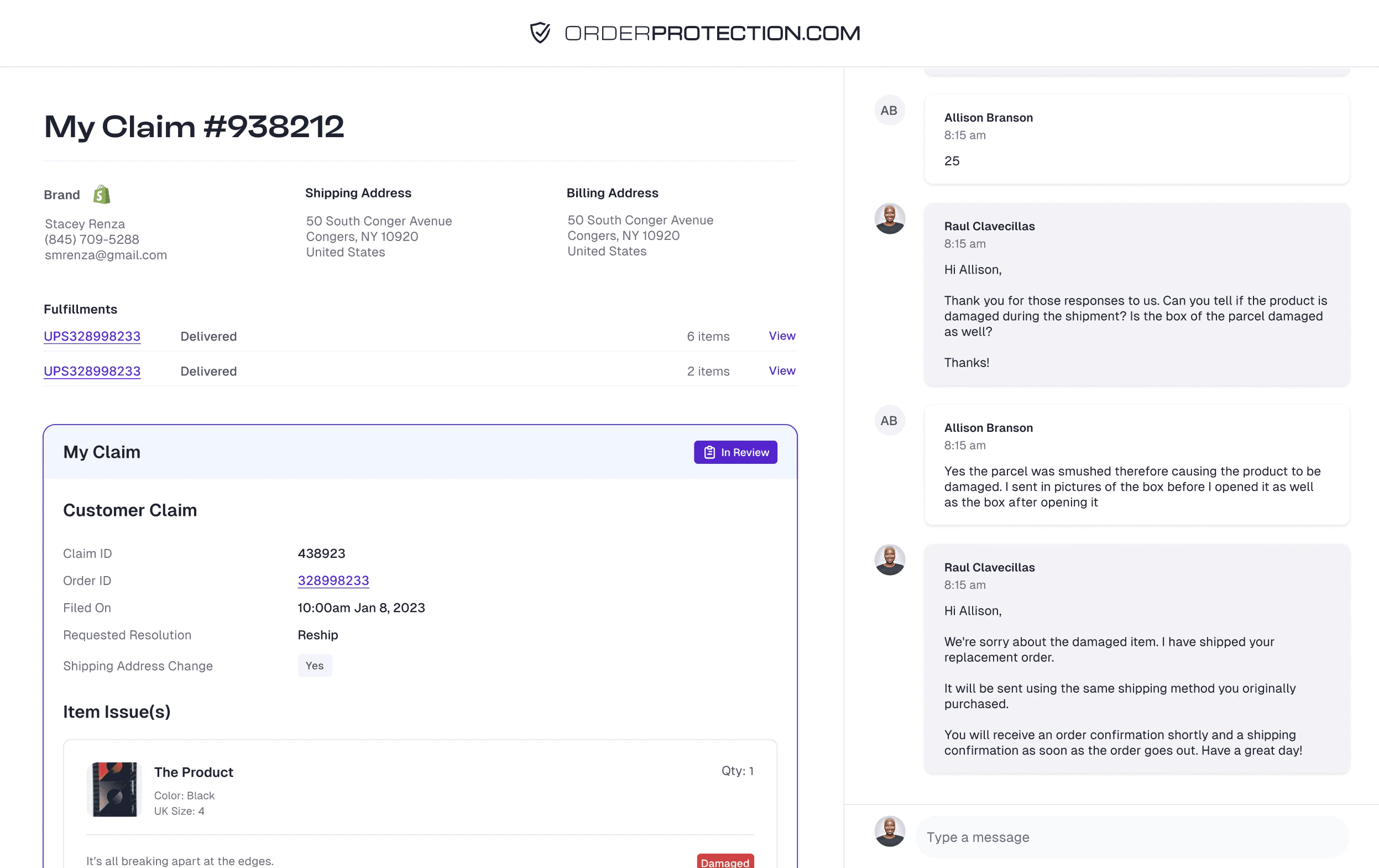
- Return to the claim portal and enter their Order Number and Email again.
- View the Claim Status, Claim Details, and Chat with support if needed.